
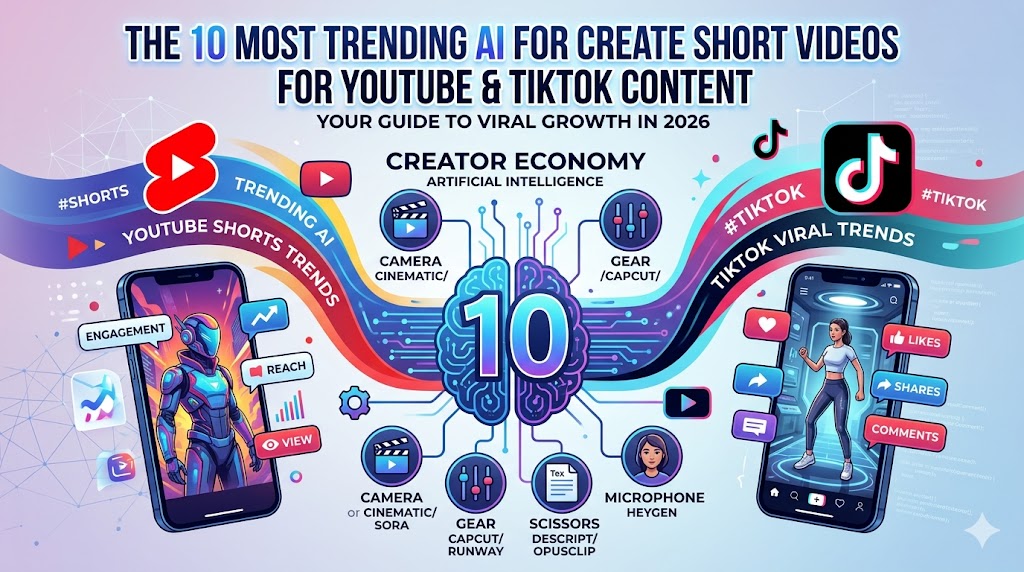
A Deep Dive into the Top 10 AI Video Tools
1. Google Veo 3.1: The King of Coherence
Veo 3.1 represents the peak of “multimodal” generation. While older AI models struggled to match sound with movement, Veo uses a unified architecture. If you prompt a video of a “chef sautéing vegetables,” it doesn’t just show the motion; it generates the specific sizzle and clinking of the pan in perfect sync. This reduces your editing time by 90% because the audio is already done.
2. OpenAI Sora 2: Mastering Physics
The biggest upgrade in Sora 2 is its understanding of physical “persistence.” In previous AI, if a character walked behind a tree, they might look different when they came out the other side. Sora 2 solves this. It treats the video like a 3D world, ensuring that lighting, shadows, and character details remain identical throughout the entire 20-second clip.
3. CapCut (AI Suite): The Trend Engine
CapCut isn’t just an editor anymore; it’s a predictive AI. Its “AI Model” feature allows you to “wear” digital clothes or change your background to match whatever is currently trending on TikTok’s algorithm. Its Auto-Captioning now supports over 100 languages with 99% accuracy, including automatic emoji placement based on the tone of your voice.
4. Runway (Gen-4.5): Professional Grade Control
Runway is the “Adobe Photoshop” of AI video. The Multi-Motion Brush is its standout feature: you can upload a still photo and “paint” the clouds to move slowly while “painting” a river to flow quickly. This gives creators surgical control over the motion, moving away from “random” AI generation to intentional directing.
5. OpusClip: The Viral Alchemist
OpusClip uses “Big Data” to analyze your long videos. It doesn’t just cut clips; it assigns a “Virality Score” to each segment based on current social media hooks. It automatically centers the speaker’s face (Face-Pro tracking) and adds high-energy, “Alex Hormozi-style” captions that keep viewers from scrolling past.
6. Kling AI: The Motion Specialist
Kling’s breakthrough is in “large-scale motion.” Most AI struggles with big movements (like a person running or jumping). Kling uses a specialized Diffusion Transformer that allows for complex 3D movements. It’s the best tool if you are creating action-oriented content or “impossible” stunts that look 100% real.
7. HeyGen: The Ultimate Avatar
HeyGen is the leader in “Faceless” content. In 2026, their v3 Avatars are indistinguishable from real humans. You can upload a 2-minute video of yourself, and the AI creates a “Digital Twin.” You can then simply type a script, and your twin will “speak” it with your exact voice and micro-expressions, even translating your content into Japanese or German while keeping your original voice.
8. Luma Dream Machine: The Speed Demon
Luma is built on a “Real-Time” engine. While Sora or Veo might take several minutes to render a high-quality clip, Luma can pump out a 5-second preview in under 60 seconds. This makes it the favorite for “Meme Creators” who need to respond to a breaking news event or a viral joke before the internet moves on.
9. PixVerse V5: The Artist’s Palette
PixVerse focuses on “Style Transfer.” You can take a boring video of yourself walking down the street and, with one click, turn the entire scene into a Cyberpunk 2077 aesthetic or a Van Gogh painting. It’s the best tool for creators who want a “signature look” that doesn’t look like a standard stock video.
10. Descript: The Text-to-Video Pioneer
Descript’s “Underlord” AI assistant is a game-changer for YouTube Shorts. It automatically removes “ums,” “uhs,” and long silences. The “Eye Contact” feature is particularly famous—if you were looking at your notes instead of the camera, the AI digitally adjusts your pupils so you appear to be looking directly at the viewer.
How to Choose?
- For Speed: Luma or CapCut.
- For Quality: Google Veo 3.1 or Sora 2.
- For Automation: OpusClip or HeyGen.